IPTV Free Trial: Test 35,000+ Channels for 12 Hours
Try IPTV-Point before you buy. Our IPTV free trial lets you test live channels, sports, movies and picture quality on your own TV, phone or box, on your own internet connection, for 12 full hours. Ask on WhatsApp and get your test details in minutes.
- 12 hours
- No payment needed
- All devices
- HD & 4K
- 24/7 help
How to Get Your IPTV Free Trial
Getting your IPTV free trial takes less than five minutes. There is no form to fill in and no payment to make: just a short message to our team.
Message us on WhatsApp
Tap the button and send the pre-written message. Tell us your device, for example Firestick, Samsung TV, Android box or iPhone, so we prepare the right details.
Receive your test login
Our team sends your IPTV free trial details in the chat: an Xtream Codes login or an M3U link, plus the app we recommend for your device.
Watch for 12 hours
Install the player, enter your details and start watching. Test live TV, sports, movies and series, and ask us anything during the trial.
Why Start with an IPTV Free Trial?
Every home is different. Your TV, your box, your Wi-Fi and your internet provider all affect how IPTV looks on your screen. A free trial is the only honest way to know how our service performs where it matters: in your living room.
With the IPTV-Point free trial you do not have to trust promises or screenshots. You see the channel list with your own eyes, you check the picture quality on your own television, and you test the stability at the times you actually watch, such as weekday evenings or a big match on Saturday.
- Test the service on your own device and internet
- Check that your favourite channels and countries are there
- See the HD, Full HD and 4K quality for yourself
- Try the player app before you commit to a plan
- Talk to our support team and see how fast we answer
What to Test During Your IPTV Free Trial
Twelve hours go fast. Use this checklist to get a complete picture of the service before your IPTV free trial ends.
Your favourite channels
Open the countries and categories you watch most: news, sports, kids, entertainment. Check that the channels you care about are in the list.
A live match or event
If you can, watch a live game during your trial. Live sports are the real test of stability, fast zapping and picture quality.
HD, Full HD and 4K
Compare channels in different qualities on your TV. With a 4K screen and 25 Mbps or more, try the 4K channels too.
Movies and series
Browse the on-demand library, start a film, pause it and resume it. Check how quickly titles load on your device.
The EPG
Open the TV guide and see what is on now and next. It makes everyday zapping much easier on the big screen.
Our team
Send us a question during your trial. You will see how quickly and clearly our support team answers, day or night.
Use Your IPTV Free Trial on Any Device
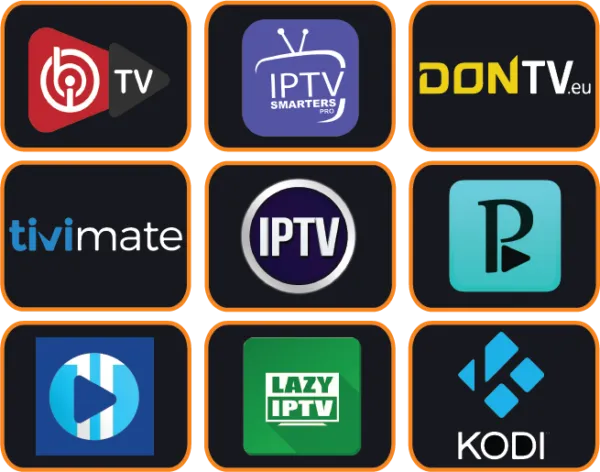
The IPTV free trial works on all the devices our paid plans support. Here is the app we recommend for each one, so you can start in minutes.
| Your device | Recommended app | Setup time |
|---|---|---|
| Amazon Firestick / Fire TV | TiviMate or IPTV Smarters Pro | About 5 minutes |
| Samsung Smart TV | IBO Player Pro, Flix IPTV or SET IPTV | About 5 minutes |
| LG Smart TV | IBO Player Pro or Flix IPTV | About 5 minutes |
| Android TV & boxes | TiviMate or OTT Navigator | About 3 minutes |
| iPhone, iPad & Apple TV | IPTV Smarters Pro or iPlayTV | About 3 minutes |
| Windows & Mac | IPTV Smarters Pro or Kodi | About 5 minutes |
Need step-by-step instructions? Our IPTV setup guide explains each app with clear steps, and our team can install it with you for free. Some Smart TV apps need their own activation after their trial; you can find player activations in our shop.
Get the Most Out of Your 12 Hours
A few small habits make a big difference to what you see during your IPTV free trial. These are the same tips our support team gives to every new customer.
- Plan your trial for an evening or a weekend, when you have time to watch and when your favourite shows and matches are on.
- Use a cable or 5 GHz Wi-Fi for TVs and boxes; it gives a smoother picture than 2.4 GHz Wi-Fi far from the router.
- Install the recommended app for your device instead of a random player.
- Test at peak time, around 8 to 10 pm, to see real-life stability.
- Write down your questions and send them to us during the trial.
Free trial vs paid plan
| Free trial | Paid plan | |
|---|---|---|
| Duration | 12 hours | 3, 6 or 12 months |
| Price | Free | From €26 |
| Support | WhatsApp & Telegram | 24/7, whole plan |
| Installation help | Included | Included |
Liked Your Trial? Choose Your Plan
When your IPTV free trial ends, you can continue without changing anything on your device. Choose the plan that fits you and our team activates it in minutes. Prices below are for 1 device; 2 and 3 device options are on our subscription plans page.
3 Months
A low-cost way to continue after your free trial and enjoy a full season of shows.
Order 3 Months12 Months
The lowest price per month: one payment for a full year of live TV, sports and movies.
Order 12 Months6 Months
Perfect for a complete football season, with great value per month.
Order 6 MonthsEvery plan includes 35,000+ live channels, 140,000+ movies and series, the TV guide, Anti-Freeze technology and 24/7 support. Pay by card, PayPal, cryptocurrency or bank transfer.
Why Test with IPTV-Point
We offer an IPTV free trial because we are confident in the service and we want you to choose us for the right reasons. There is no pressure and no obligation: if the trial is not right for you, you simply do not order, and nothing else happens.
During the trial you get the same support as our paying customers. The team that sends your test details is the same team that helps you install the app, answers your questions and activates your plan if you decide to continue. That makes the move from trial to subscription quick and simple.
If something does not work during your trial
- Login error: check the username, password and server URL character by character.
- Buffering: restart your router and device, then try a cable connection.
- Empty TV guide: update the EPG in your app settings and wait a minute.
- App problem: try the app we recommend for your device.
Still stuck? Send us a photo of the screen on WhatsApp and we fix it with you, so you do not lose your trial time.
What Is an IPTV Free Trial?
An IPTV free trial is a short, free test of an IPTV service. Instead of paying first and hoping for the best, you receive temporary login details that work for a limited time. With IPTV-Point, that time is 12 hours.
During those hours you use the service exactly as you would after ordering: you install a player app, enter your details and watch live channels, movies and series on your own screen. When the time is up, the login simply stops. Nothing renews automatically and nothing is charged.
The goal of an IPTV free trial is simple: to help you make a confident decision. If the channels, the quality and the support match what you need, you can order a plan knowing exactly what you will get.
Who is the IPTV free trial for?
- First-time IPTV users who want to see how it works before leaving cable or satellite.
- Sports fans who want to check live matches and fast zapping on their own TV.
- Families who want to make sure channels for every member of the household are available.
- Expats and travellers looking for channels from their home country.
- Customers switching provider who want to compare quality side by side.
Start Your IPTV Free Trial on Firestick or Smart TV
These two devices are the most popular with our customers. Here is how to start your IPTV free trial on each one in a few minutes.

On Amazon Firestick
Install the Downloader app from the Amazon store, allow apps from unknown sources in the developer options, then install TiviMate or IPTV Smarters Pro. Open the app, choose Xtream Codes and enter the trial details we sent you.
On Samsung or LG TV
Open your TV app store and install IBO Player Pro or Flix IPTV. Note the MAC address shown in the app and send it to us on WhatsApp, and we add your trial playlist for you. Some TV apps have their own trial or activation.

On Android, iPhone or PC
Install IPTV Smarters Pro from Google Play, the App Store or for your computer. Choose "Login with Xtream Codes API", enter your trial username, password and server URL, and your channels load in seconds.
Prefer help? Send us a message and we set up your IPTV free trial with you, step by step. Detailed guides for every app are in our setup guide, and common questions are answered in the IPTV FAQ.
Our Honest Trial Promise
We want your IPTV free trial to be a fair test. That is why we give you a real login on our service, help you install the right app and answer your questions during the trial. We never ask for payment details to start a test, and we never sign you up for anything automatically.
If you decide not to continue after your IPTV free trial, that is completely fine. If you decide to stay, you get the same team, the same quality and the same support for the whole length of your plan. Learn more about us on our about page.
Free trial words explained
- Xtream Codes: a username, password and server URL that load channels, movies and the TV guide automatically.
- M3U link: a single link with the full channel list, for apps like Kodi or VLC.
- EPG: the TV guide that shows what is on now and next.
- Buffering: a short pause while video loads, usually fixed with a better connection.
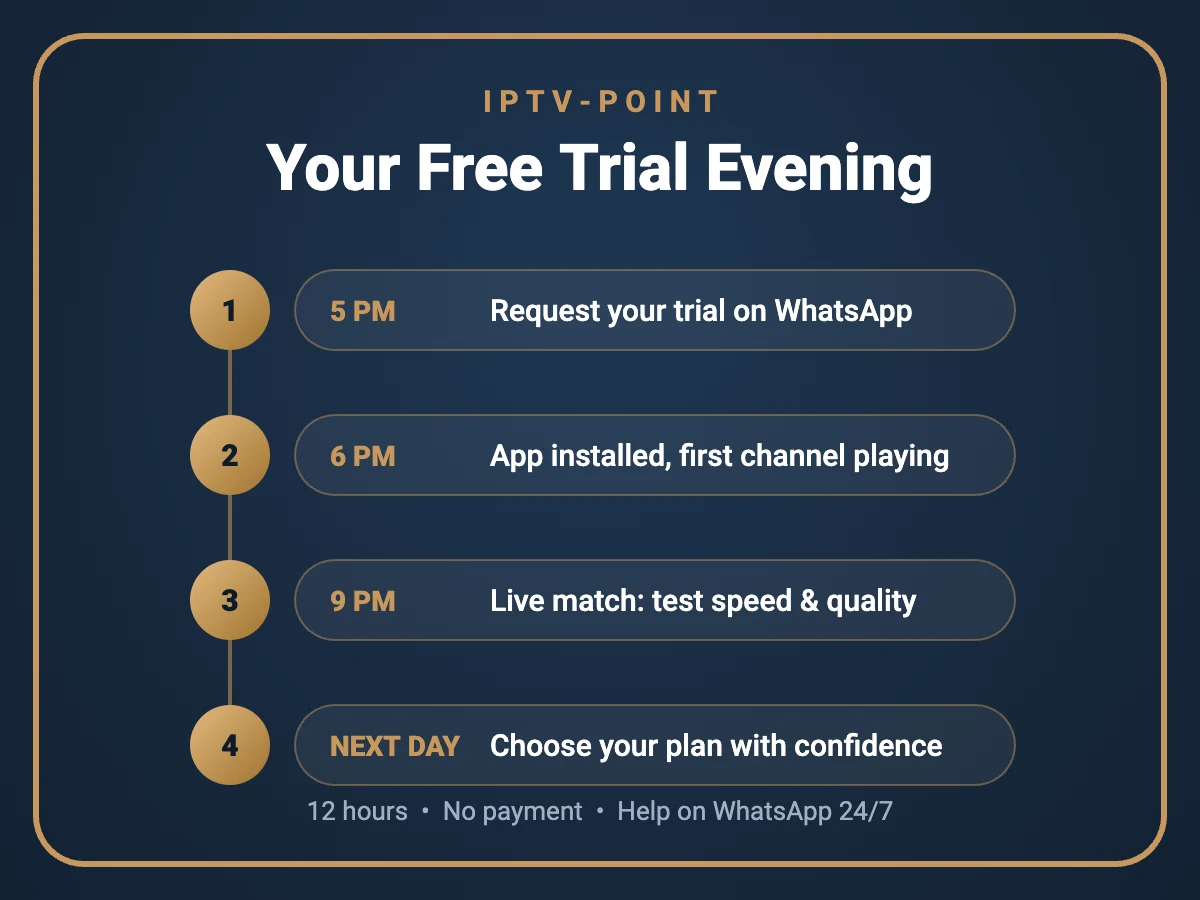
What a Good IPTV Free Trial Evening Looks Like
Most customers request their IPTV free trial in the late afternoon. By the time dinner is ready, the app is installed and the first channel is playing. The family checks the news in their own language, the kids find their cartoons, and someone opens the movie section to see what is new this week.
Later in the evening comes the real test: a live match. You switch between sports channels, check how fast they load and watch the picture stay sharp during the busiest part of the night. If anything looks wrong, a quick message to our team usually solves it in minutes.
To make your own IPTV free trial just as useful, test what you really watch in a normal week:
- Football fan? Open the sports channels and follow a live match.
- Watching with children? Check their favourite channels in the morning.
- Movie lover? Try a few films and series in different qualities.
- Expat? Look for the channels from your home country.
- Busy family home? Test while other people use the Wi-Fi to see real-life stability on a normal evening.
- Big screen owner? Compare HD and 4K channels on your largest TV.
Tip: keep the WhatsApp chat with our team open on your phone during the whole trial, so help is always one tap away. The next morning you know exactly what to expect, and choosing a plan becomes an easy decision based on what you actually saw at home. If you still have questions after the trial, our team is happy to answer them before you choose.