Description
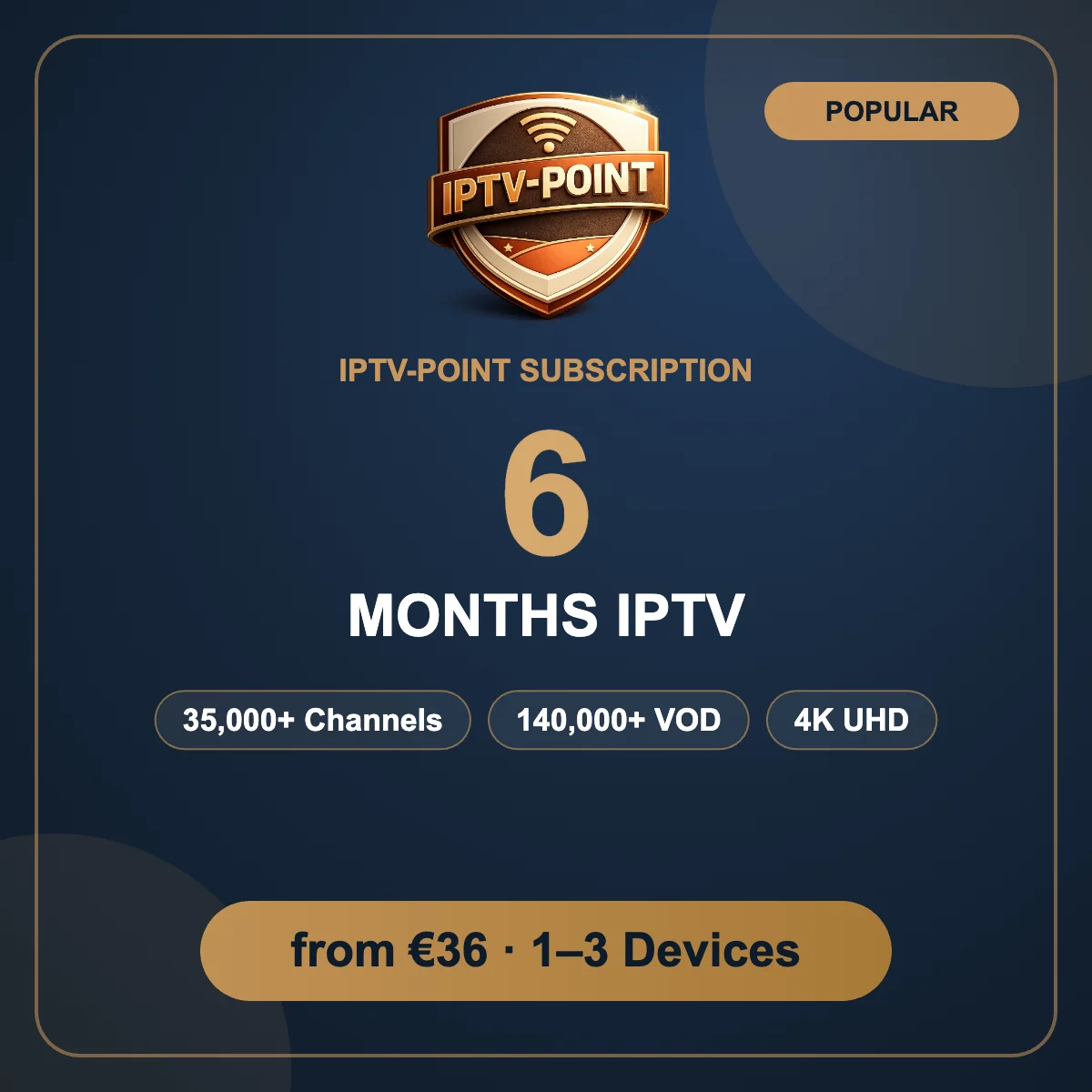
6 Months IPTV Subscription Premium IPTV for 6 months
The 6 months IPTV subscription is the balanced choice: half a year of premium live TV, sports, movies and series for one simple payment. It covers a full football season from the first match to the final, and it costs much less per month than paying for short periods again and again.
In short: the 6 months IPTV subscription is a one-time purchase that unlocks premium television on every screen in your home. You choose how many devices can watch at the same time, you pay securely with the method you prefer, and you receive your login details right away. From there, it only takes a few minutes to install a player app, enter your details and start watching live channels, sports and on-demand content in HD and 4K. If you ever need help, our team is one message away on WhatsApp or Telegram, day and night, and we will stay with you until everything works perfectly on your devices.
What is included in the 6 months IPTV subscription
- 35,000+ live TV channels from the USA, UK, Canada, Europe, the Arab world, Africa, Latin America and Asia
- 140,000+ movies and series on demand, updated every week
- SD, HD, Full HD and 4K UHD quality on every channel where available
- Full TV guide (EPG) and catch-up on supported channels
- Anti-Freeze technology for smooth live sports at peak hours
- M3U and Xtream Codes logins for all popular IPTV players
- Instant activation and free installation help
- 24/7 support on WhatsApp and Telegram
Choose 1, 2 or 3 devices
Every 6 months IPTV subscription is available for 1, 2 or 3 devices. A device is one screen streaming at the same time, so a family that watches in the living room and the bedroom needs the 2 devices option.
- 1 Device €36 for 6 months
- 2 Devices €54 for 6 months
- 3 Devices €76 for 6 months
Who is the 6 months IPTV subscription for?
- Sports fans who want a full season without interruption
- Families who watch every evening but prefer a mid-length plan
- Customers who tried IPTV-Point and want better value
- Viewers who travel and want flexible access on every device
With a 6 months IPTV subscription you pay once and forget about renewals for half a year. You get the same complete service as every other plan, the full channel list, the on-demand library and 4K quality, at a lower monthly cost than the 3 months plan.
Works on all your devices
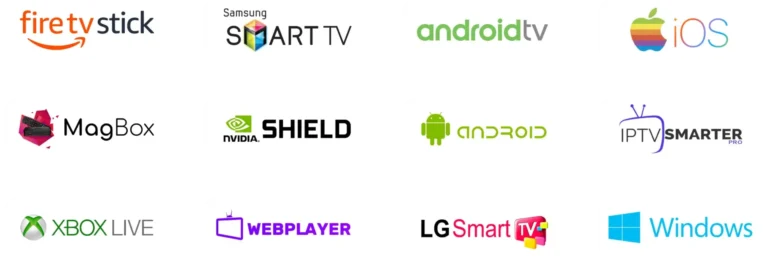
Your 6 months IPTV subscription works on Amazon Firestick, Samsung and LG Smart TVs, Android TV and boxes, iPhone, iPad, Apple TV, Windows, Mac, MAG and Enigma2. Install a compatible player such as IPTV Smarters Pro or TiviMate and follow our step-by-step IPTV setup guide, most customers are watching in under 5 minutes.
How to order
- Choose the number of devices and add the 6 months IPTV subscription to your cart.
- Complete the checkout and pay by card, PayPal, cryptocurrency or bank transfer.
- Receive your username, password, M3U link and server URL by email or WhatsApp.
- Install your player app and start watching.
Prefer to order directly? Message us on WhatsApp and our team will set everything up for you.
Recommended internet speed
We recommend at least 15 Mbps for HD channels and 25 Mbps or more for 4K streaming. A wired connection or 5 GHz Wi-Fi gives the most stable picture. Learn more about how IPTV technology works.
6 Months IPTV Subscription FAQ
Why choose 6 months instead of 3 months?
The 6 months IPTV subscription costs less per month and covers a full sports season, so you renew less often.
Can I add more devices later?
Yes. Choose 2 or 3 devices when you order, or contact us to add devices to your subscription.
Can I try before I buy?
Yes. Ask us for a free 12-hour trial on WhatsApp and test the channels on your own device first.
Compare every option on our subscription plans page or read the full IPTV FAQ.
Live TV channels by region in your 6 months IPTV subscription

Your 6 months IPTV subscription gives you one organized channel list with more than 35,000 live channels, grouped by country and category so you find what you want in seconds. Here are some of the regions included:
- North America national and local channels from the USA and Canada, including news, entertainment and sports networks.
- United Kingdom & Ireland entertainment, documentaries, kids channels and live sports.
- Europe France, Germany, Spain, Italy, Portugal, the Netherlands, Belgium, Switzerland and Scandinavia.
- Arabic channels news, series, religious channels and sports from across the Arab world.
- Africa, Latin America & Asia channels for viewers living abroad who want to keep watching home TV.
Every channel in the 6 months IPTV subscription is available in the quality your connection allows: SD, HD, Full HD and, where available, 4K UHD.
Live sports included in the 6 months IPTV subscription

Sports are where an IPTV service is really tested. Thousands of viewers connect at the same moment, and weak servers start to buffer. The 6 months IPTV subscription runs on Anti-Freeze servers with load balancing, built to stay smooth from kick-off to the final whistle.
- Football leagues and cup competitions from around the world
- Basketball, ice hockey, American football and baseball
- Tennis, golf, cycling and athletics
- Motorsport, boxing, MMA and wrestling events
- Dedicated event channels for the biggest nights of the season
Movies and series on demand

When the match is over, open the video-on-demand library. Your 6 months IPTV subscription includes more than 140,000 movies and TV series, organized by genre and language, with new titles added every week. Pause, rewind and continue watching on another device whenever you like.
How to set up your 6 months IPTV subscription on each device
Amazon Firestick: install a player such as IPTV Smarters Pro or TiviMate from the Amazon Appstore, choose Xtream Codes and enter the server URL, username and password we send you.
Samsung & LG Smart TV: install a TV player such as SET IPTV, Flix IPTV or BOB Player, note the MAC address on screen and send it to us on WhatsApp, we connect your playlist for you.
Android phone, Android TV & boxes: install IPTV Smarters Pro, TiviMate or Perfect Player from Google Play and log in with Xtream Codes or your M3U link.
iPhone, iPad & Apple TV: install IPTV Smarters or iPlayTV from the App Store and add your login details or M3U link.
Windows & Mac: use IPTV Smarters or Kodi with the PVR IPTV Simple Client and your M3U link.
Detailed, step-by-step instructions for every player are in our setup guide for IPTV players.
Tips to get the best picture
- Use an Ethernet cable for your TV or box whenever possible, it is more stable than Wi-Fi.
- If you use Wi-Fi, connect to the 5 GHz band for more speed and less interference.
- Restart your router and device once a week to keep everything running smoothly.
- Keep your player app updated to receive playback and TV guide improvements.
- Refresh your playlist every week so new channels, movies and series appear.
Before you start checklist for your 6 months IPTV subscription
Most installation problems happen before the player app is even opened. Spend two minutes on this checklist and your 6 months IPTV subscription will be up and running without surprises.
- Your login details keep the email or WhatsApp message with your username, password, server URL and M3U link close by. Copy and paste them instead of typing.
- A stable connection run a quick speed test. You need around 15 Mbps for HD and 25 Mbps or more for 4K channels.
- An updated device install the latest system update on your TV, Firestick, phone or computer. Old firmware is a common cause of apps closing unexpectedly.
- The right player choose an app made for your device. Smart TVs work best with TV players such as SET IPTV or Flix IPTV, while Firestick and Android work perfectly with IPTV Smarters Pro or TiviMate.
- Enough free storage keep at least 1 GB free on Firestick and Android boxes so the TV guide and channel list load quickly.
Channel categories explained
Inside your 6 months IPTV subscription, channels are organized into clear categories so you never have to scroll through thousands of names:
- Country groups every country has its own group with national, regional and local channels.
- Sports dedicated sports channels plus event channels that open for the biggest matches and fights.
- News 24-hour international and national news networks in many languages.
- Kids & family cartoons, educational channels and family entertainment. Most players let you lock adult categories with a PIN code.
- Documentaries nature, science, history and travel channels in HD.
- Music & lifestyle music video channels, cooking, travel and home channels.
- 4K & UHD a separate group with the channels available in the highest quality.
You can add your favorite channels to a favorites list in almost every player, so the channels you watch most are always one click away.
Troubleshooting quick fixes
If something does not work as expected with your 6 months IPTV subscription, these fixes solve most issues in under five minutes:
Channels are buffering or freezing
Test your internet speed and restart your router and device. In the player settings, switch between the hardware and software video decoder. If only one channel freezes, try the backup version of that channel, which usually has a different quality label.
“Invalid login” error
Check the server URL, username and password carefully, they are case sensitive and must not contain spaces. Make sure the URL starts with http:// and includes the port number if one was provided.
Black screen with sound
This is almost always a decoder issue. Change the video player or decoder in the app settings and update the app to the latest version.
The TV guide (EPG) is empty
Open the app settings and choose Update EPG or Refresh guide. If you use an M3U link, add the EPG link from your welcome message. The guide can take a few minutes to load the first time.
Movies or series do not appear
Video-on-demand categories load separately from live TV. Refresh the playlist and wait until loading completes. Logging in with Xtream Codes usually shows movies and series in a cleaner layout than an M3U link.
The app closes or crashes
Clear the app cache, restart the device and, if needed, reinstall the player from the official store. Then log in again with your details.
Still stuck? Our support team helps with every 6 months IPTV subscription 24/7 on WhatsApp and Telegram, and most problems are solved in a few minutes.
IPTV terms in plain language
- IPTV Internet Protocol Television: TV channels delivered over your internet connection instead of cable or satellite.
- Device / connection one screen streaming at the same time. The 2 devices option lets two screens play at once.
- M3U link a single link that loads your full channel list into a player app.
- Xtream Codes a login made of a server URL, username and password that loads live TV, movies and series in separate menus.
- EPG the electronic program guide that shows what is on now and next on every channel.
- VOD video on demand: movies and series you can start whenever you like.
- Catch-up watch programs that already aired on supported channels by going back in the TV guide.
- MAC address a unique code shown by Smart TV players, used to link your playlist to your TV.
Ready to start? Choose your number of devices above, add the 6 months IPTV subscription to your cart and start watching in minutes, or ask for a free trial first.
Compare the 6 months IPTV subscription with our other plans
| Plan | 1 Device | 2 Devices | 3 Devices |
|---|---|---|---|
| 3 Months IPTV Subscription | €26 | €39 | €55 |
| 6 Months IPTV Subscription | €36 | €54 | €76 |
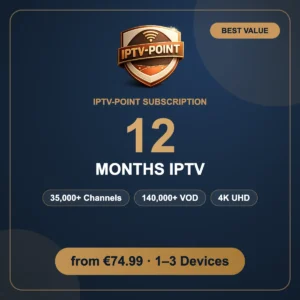
| 12 Months IPTV Subscription | €74.99 | €112 | €157.99 |
All plans include exactly the same service: the full channel list, the complete movie and series library, 4K quality, the TV guide, Anti-Freeze technology and 24/7 support. The only differences are how long your subscription lasts and how many screens can watch at the same time.
The 6 months plan sits in the middle: it costs less per month than the 3 months plan and covers a full sports season, while the 12 months plan offers the lowest price over a whole year.
Not sure which length or how many devices you need? Tell us how you watch TV and our team recommends the best option for your home in a few minutes. You can also read our guide to choosing the right IPTV subscription plan, which explains the differences between short and long plans and how device connections work.
Whichever you choose, your 6 months IPTV subscription comes with free installation help: send us a message after your order and we will guide you step by step on your Smart TV, Firestick, phone or computer until your channels are playing.
Payment and activation
You can pay for the 6 months IPTV subscription by card, PayPal, cryptocurrency or bank transfer. As soon as your payment is confirmed, your login details are sent to you by email or WhatsApp. For bank transfers, our team sends you the bank details after you place your order, and activation follows as soon as the transfer is received.
Why choose IPTV-Point for your 6 months IPTV subscription
- One complete service no extra packages for sports or movies.
- Real 24/7 support fast answers on WhatsApp and Telegram.
- Free 12-hour trial test before you buy.
- Works everywhere the same 6 months IPTV subscription on your TV, phone and computer.
- VPN friendly use your favorite VPN for extra privacy.
More questions about the 6 months IPTV subscription
How fast is activation?
Activation is instant after payment confirmation. Your login details arrive by email or WhatsApp, usually within minutes.
Can I use the 6 months IPTV subscription on several devices?
Yes. Choose the 2 or 3 devices option at checkout. You can install the app on as many devices as you like; only the number of devices in your plan can stream at the same time.
Do I need a VPN?
No, a VPN is not required, but it is supported if you want extra privacy.
What internet speed do I need?
About 15 Mbps for HD and 25 Mbps or more for 4K.
What happens when my 6 months end?
Before your subscription ends, message us on WhatsApp or Telegram to renew. You can keep the same plan or choose a longer period.
I need help, who do I contact?
Our team is available 24/7 on WhatsApp and Telegram.
Thank you for choosing IPTV-Point. We built every plan around stable streaming, clear pricing and real human support, and we look forward to helping you enjoy your favorite channels, sports, movies and series on every screen in your home.
Reviews
There are no reviews yet.